Docker Hub
Docker Hub is a website which gives you access to a list of images available for download. It’s a website with a search field on the top of the page. When you click search it presents a list of the first 25 items found (based on your search criteria)
You use this if to build a container. This website is a collection of many many container templates. For example you can get one with a SQL Server database on it, it’s from that template that you start building your own container.
Steps
Goto: https://hub.docker.com/
Sign In (or sign up)
You’ll be presented with a menubar
In the search bar type in something and press enter. It will give you a list of candidate images.
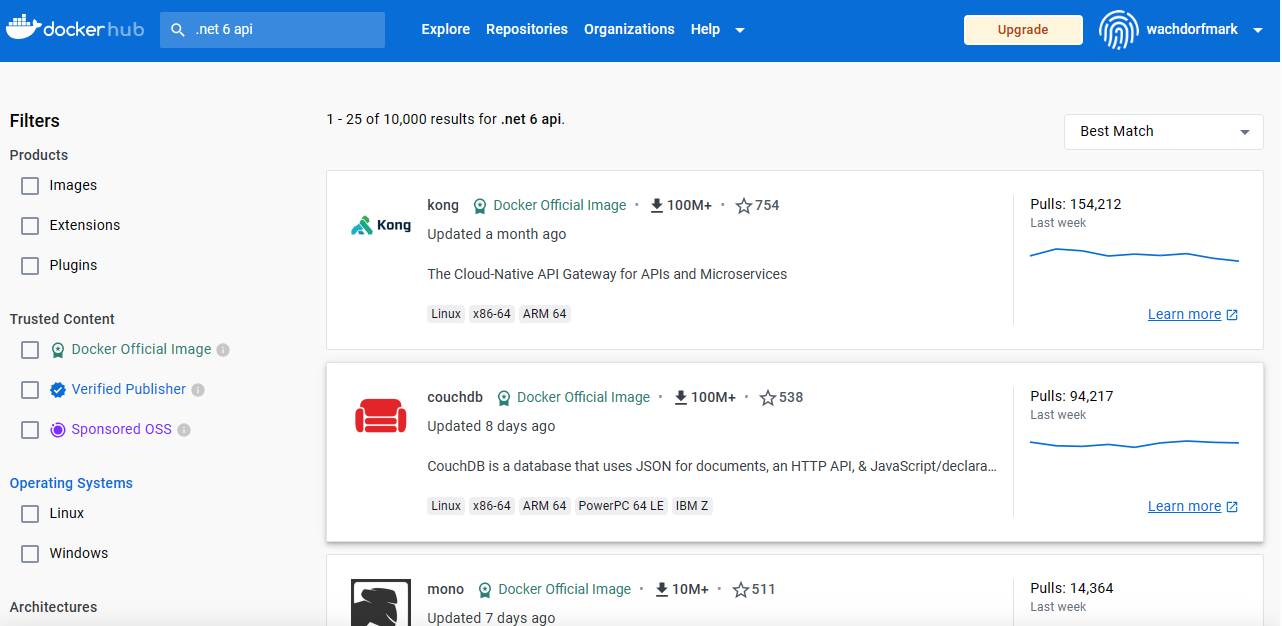
Things to notice
- The first pane is a list of standard filters. Filters can reduce the list to just the items you have checked.
- The second pane is a list of images you can download. Notice 4,133,548 images! (Maybe one of them is the tutorial you just uploaded!)
- I look at the Updated information on this list. If it was updated fairly recently then that means someone is keeping it up. If it hasn’t been updated in awhile then be on the alert. Frequently these images go through a lot of scrubbing, if it hasn’t been updated in awhile, then there may be vulnerabilities.
- When you click one of the entries on this list, you are taken to a page summary. For example if you click the CouchDb link. You are presented with a page that starts like the image below.
When you click an item, you’ll get more results about that image.
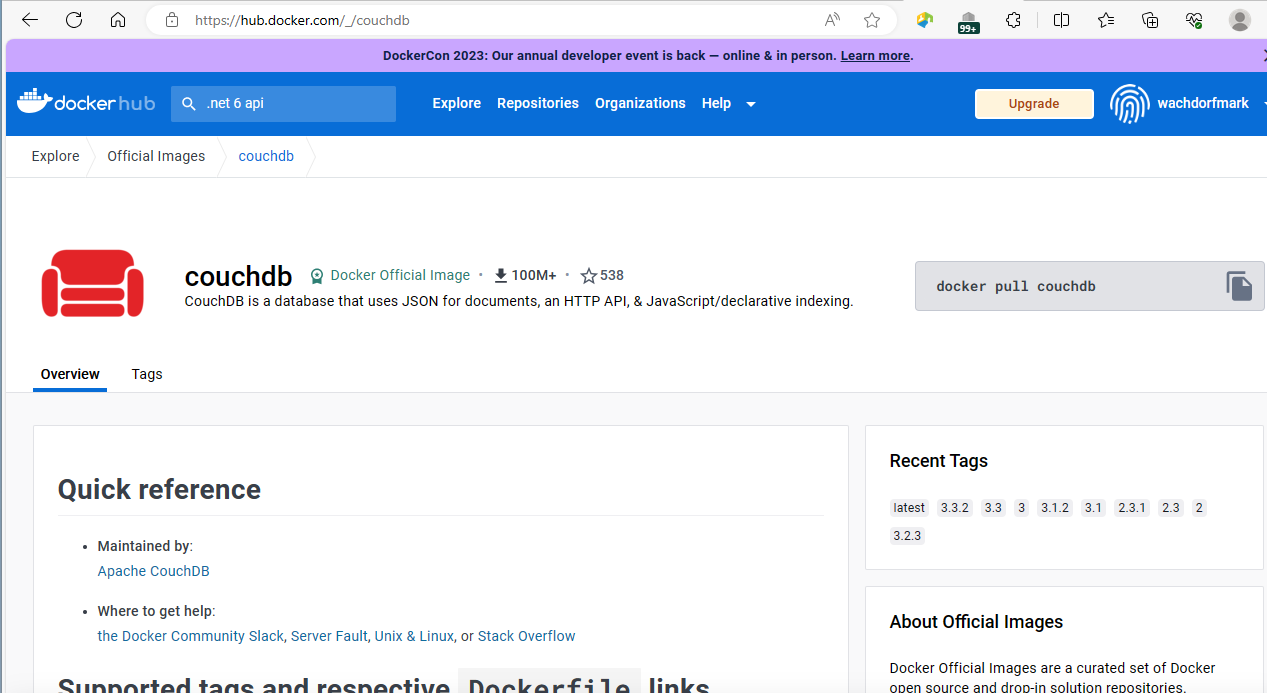
The page gives quite a lot of information. Although I have found many images that provide no information. I like the ones with lots of instructions - I need all the help I can get.
The upper right side of the page contains a small pane that gives you acquisition information.
Things to remember
- Many of these applications are free to use – open source application. For example, MySQL. But others are not. I’m not sure the significance of downloading one of those images. When I clicked on the Oracle Instant Client, rather than give me acquisition information (that is the docker pull command to retrieve this image), it gave me a ‘Terms of Service’ link and a ‘Proceed to Checkout’!
Note: I found google to do a better job (at least not a bad job).
For example when I searched “Docker image for .net 6 api”, the first link gave me
https://dev.to/berviantoleo/web-api-in-net-6-docker-41d5
Which suggested I used image mcr.microsoft.com/dotnet/sdk:6.0-alpine